
You can use the GrdWtr module to create a scrolling animated ocean surface that extends to the horizon. The GrdWtr module works with the Ocean Module to do the following:
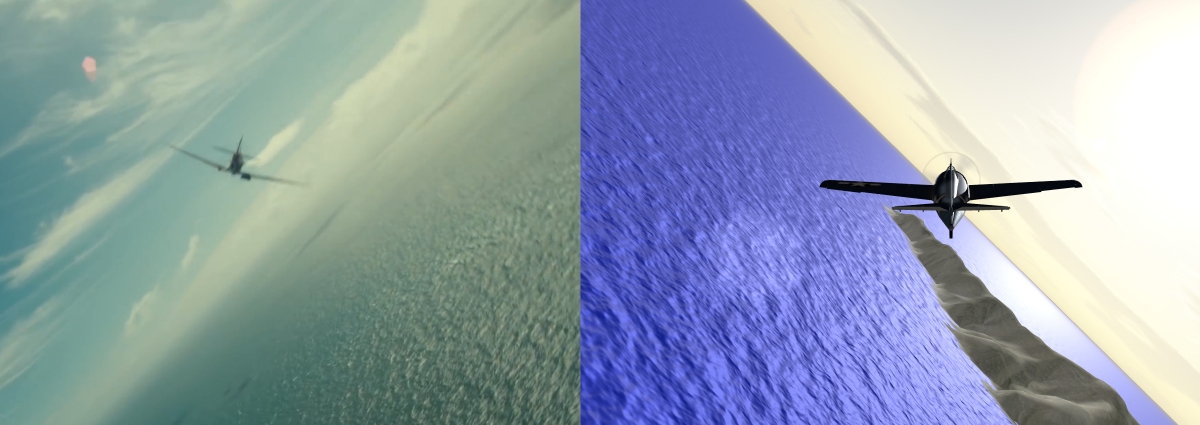
This GrdWtr map has 3 nested grids of squares, like this:
Each Grid0 square has 2x2 repeats of the Ocean Maps.
The latest GrdWtr Module works with the latest WebGPU version of the Ocean Module which uses compute shaders. You can find both modules in the jsm directory of my Aviation GitHub Repository.
You can insert these instructions at the beginning of your program to load the module:
import {loadGeoMat,GrdMap} from "https://PhilCrowther.github.io/Aviation/jsm/GrdWtr.js";
You can add these variables to the beginning of your program:
//- Loading Manager
	// Create a loading manager to set RESOURCES_LOADED when appropriate.
	// Pass loadingManager to all resource loaders.
let loadingManager = new THREE.LoadingManager();
let RESOURCES_LOADED = false;
	loadingManager.onLoad = function(){
		console.log("loaded all resources");
		RESOURCES_LOADED = true;
		initAll();				// When done loading, go to intialization
	};
//- General Variable (before basic initialization)
let gen_ = {
		// Only Values Needed for GrdWtr
		scene: 0,
		imagLd: 0, 				// Image Loader
		txtrLd: 0,				// Texture Loader
		contxt: 0,				// HTML context
		canvas: 0,				// HTML canvas
	}
//- Insert Values (after basic initialization)
	gen_.scene = scene;
	gen_.imagLd = imagLoader;
	gen_.txtrLd = txtrLoader;
	gen_.contxt = contxt;
	gen_.canvas = canvas;

// GrdWtr Variables
let grids = 0;
let grd_ = {
		MSP: 0,					// MapSpdX, MapPosY, MapSspdZ (meters) (from Flight)
		RCs: 16,				// Squares in each of first 2 grids
		Siz: 2400,				// Size of grid square
		Stp: 4,					// Squares in each of first 2 grids
		Seg: 384,				// Segments for smallest square (512 = max)
		Grx: [],				// Index of Grids (0-2)
		// Geometry and Materials
		Geo: [],				// Master Index of Basic Geometries
		Mat: [[0],[0],0],		// Materials
		// Displacement
		Dsp: 0,					// Grid 0 Displacement Map (from Ocean)
		// Normal Map
		Nrm: 0,					// Grid 0-1 Normal Map (from Ocean)
		NMS: 0,					// Grid 0-1 Normal Map Scale (from Ocean)
		N2S: "https://threejs.org/examples/textures/waternormals.jpg", // Size = 1024x1024
		NM2: 0,					// Grid 2 Normal Map
		// Indices
		Col: 0,
		DfS: "https://PhilCrowther.github.io/Aviation/textures/ocean/transition1F_color6.png", // texture
		Mtl: [0.5,0.5,0.5],		// Metalness (1 for max reflection)
		RfS: "https://PhilCrowther.github.io/Aviation/textures/ocean/transition5.png",
		Ruf: [0.5,0.5,0.5],		// Roughness (0 for max reflection)
		EMI: [0.5,0.42,0.42],	// EnvMap Intensity
		// Maps
		MSz: 512,				// Image Size
		DfM: [[0],[0],0],		// Diffuse
		RfM: [[0],[0],0],		// Roughness
		// Other
		WMx: 5,					// Max wave height, used to lower outer non-displaced squares
	};
You can add the following instructions to the Initialization section of your program:
loadGeoMat(grd_,gen_);
You can add the following instructions to the rendering section of your program:
	grd_.Dsp = waves.displacement; // From Ocean module
	grd_.Nrm = waves.normMapTexture; // From Ocean module
	grids = new GrdMap(grd_,gen_);
The instructions above are for the latest WebGPU version of the GrdWtr module which works with the latest WebGPU version of the Ocean Module. Earlier version of the GrdWtr module (GrdWtr3 and GrdWtr4) are available in the jsm directory of the xtra_perm directory. GrdWtr4 also uses NodeMaterials and was designed to work with the Ocean4 (WebGPU) Module (available in the same directory)
GrdWtr3 does not use NodeMaterials and was designed to work with the Ocean3 (WebGL2) Module (available in the same directory) The Initialization and Rendering processes are different for these earlier versions. For example, they did not use the gen_ variable. You can determine the instructions required by examining the fdem_jet_ocean3_gl2 and the fdem_jet_ocean4_gpu programs in the xtra_perm directory.